Referrals
Referrals are the name of the game if you want to earn commissions. For us to close business on your behalf, you have to submit referrals and it’s quick and simple!
Signing up for the Big Fish Referral Partner Program is super easy and super quick. You use this link to fill out our registration form which will explain how the program works, how you get paid, and then collect some information.
After that, our team will review your form to be sure it’s all complete, that nothing is missing…the basics. Once your registration has been reviewed and approved, you are ready to get logged into the Big Fish Technology Access Center or better known as “The Portal”!
So, what does signing up look like? When you click on the link below, you’ll be presented with a Cognito Forms window like the one below.
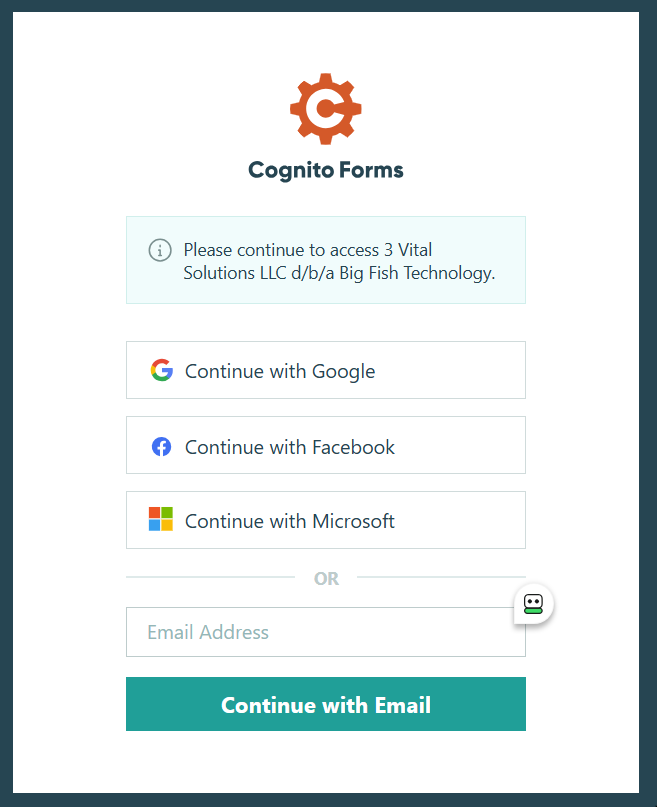
Next, put in your email address and click the Continue with Email button. When you do, two things will happen:
- You will get an email from Cognito Form with a 6-digit code and
- A Verification Code window will pop open like the one below
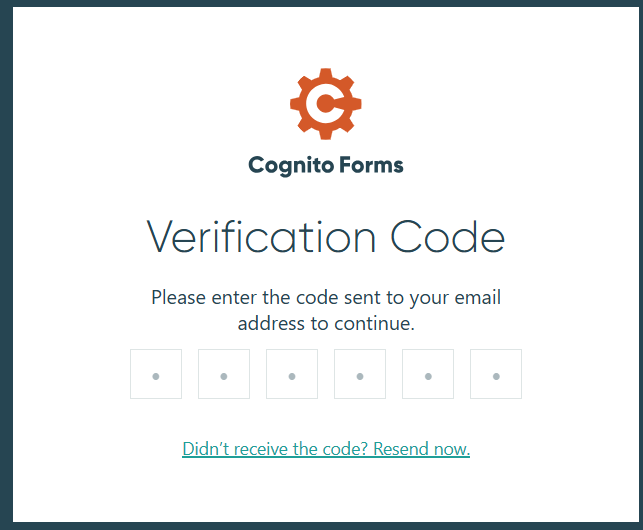
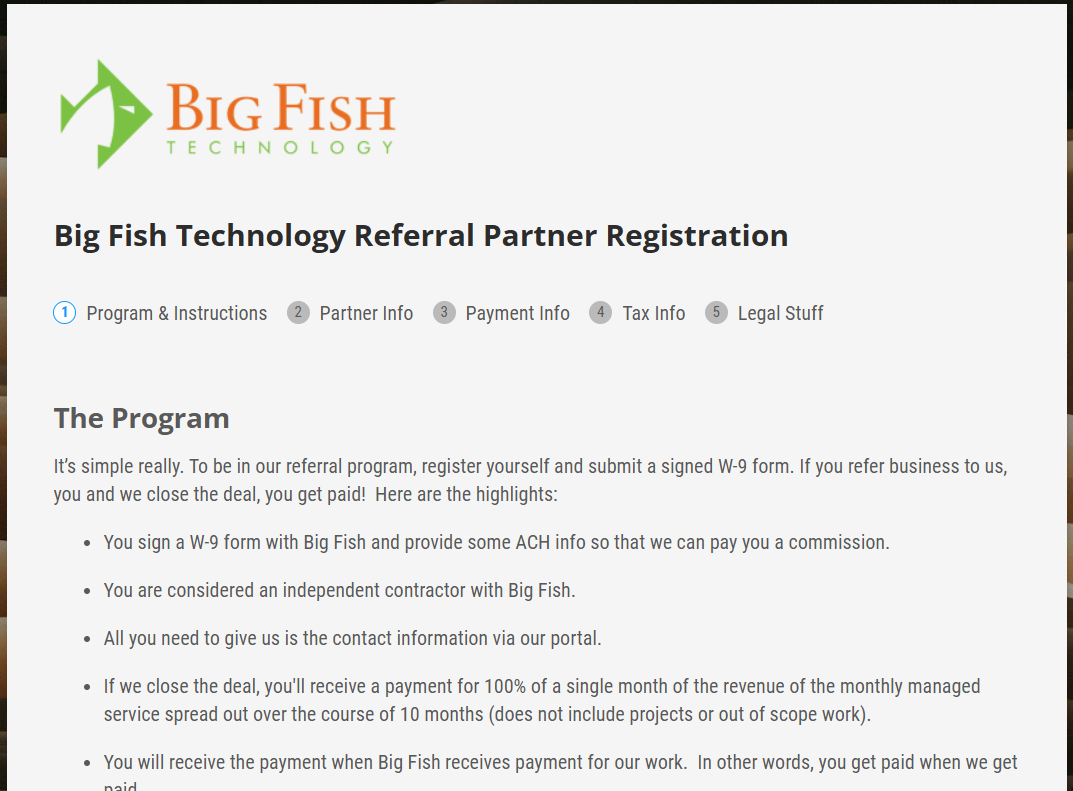
Finally, enter the 6-digit code, accept our Terms of Service and Privacy Policy, and the Registration form (shown below) will open so you can get started.
Logging In
Once your registration is approved, you will be able to log into your account so that you can register referrals, see their status, and see your commissions. Use this link to log into your account.
you’ll be presented with a Cognito Forms window like the one below.
Next, put in your email address and click the Continue with Email button. When you do, two things will happen:
- You will get an email from Cognito Form with a 6-digit code and
- A Verification Code window will pop open like the one below
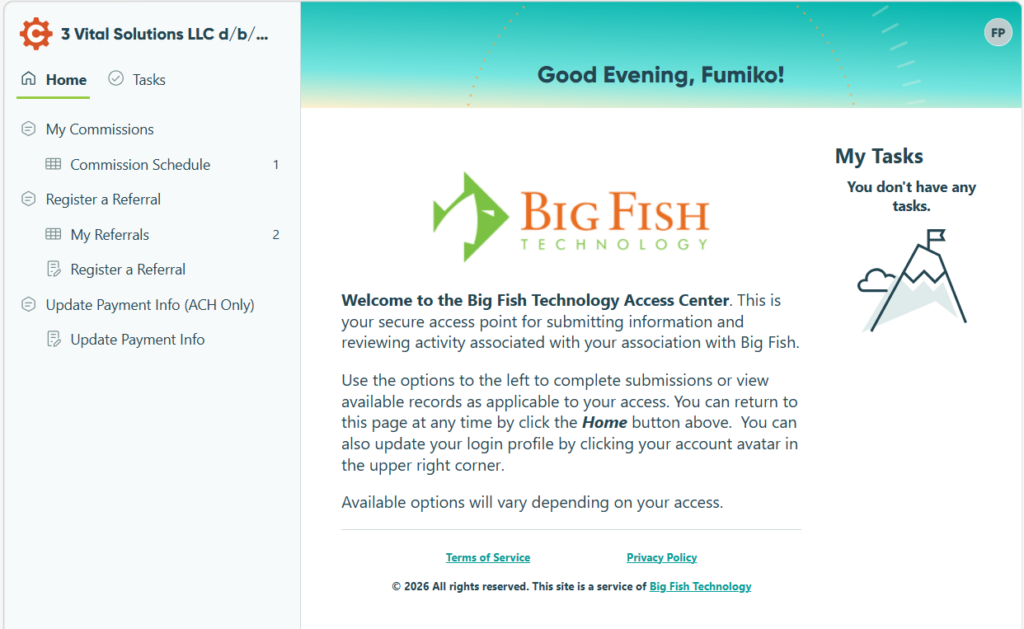
Finally, enter the 6-digit code and your account Home page will open, as shown below.